Irrigation infrastructure

Irritek
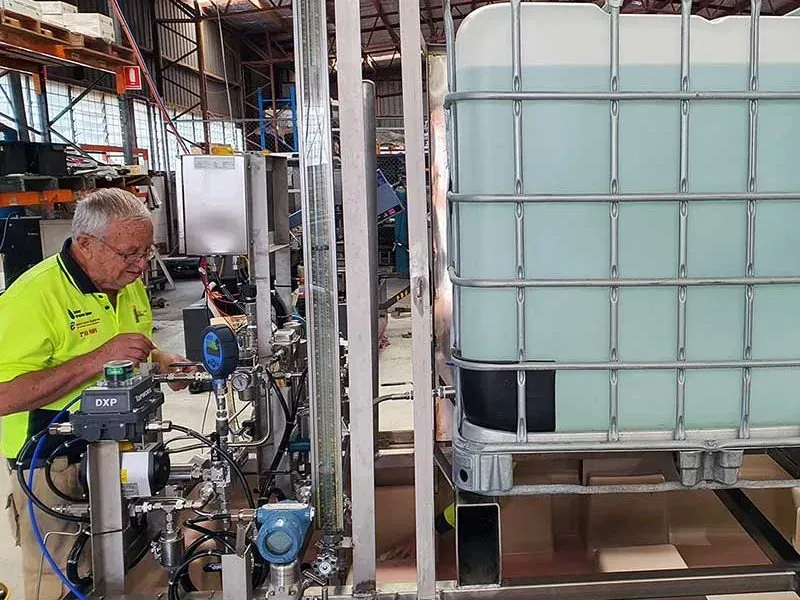
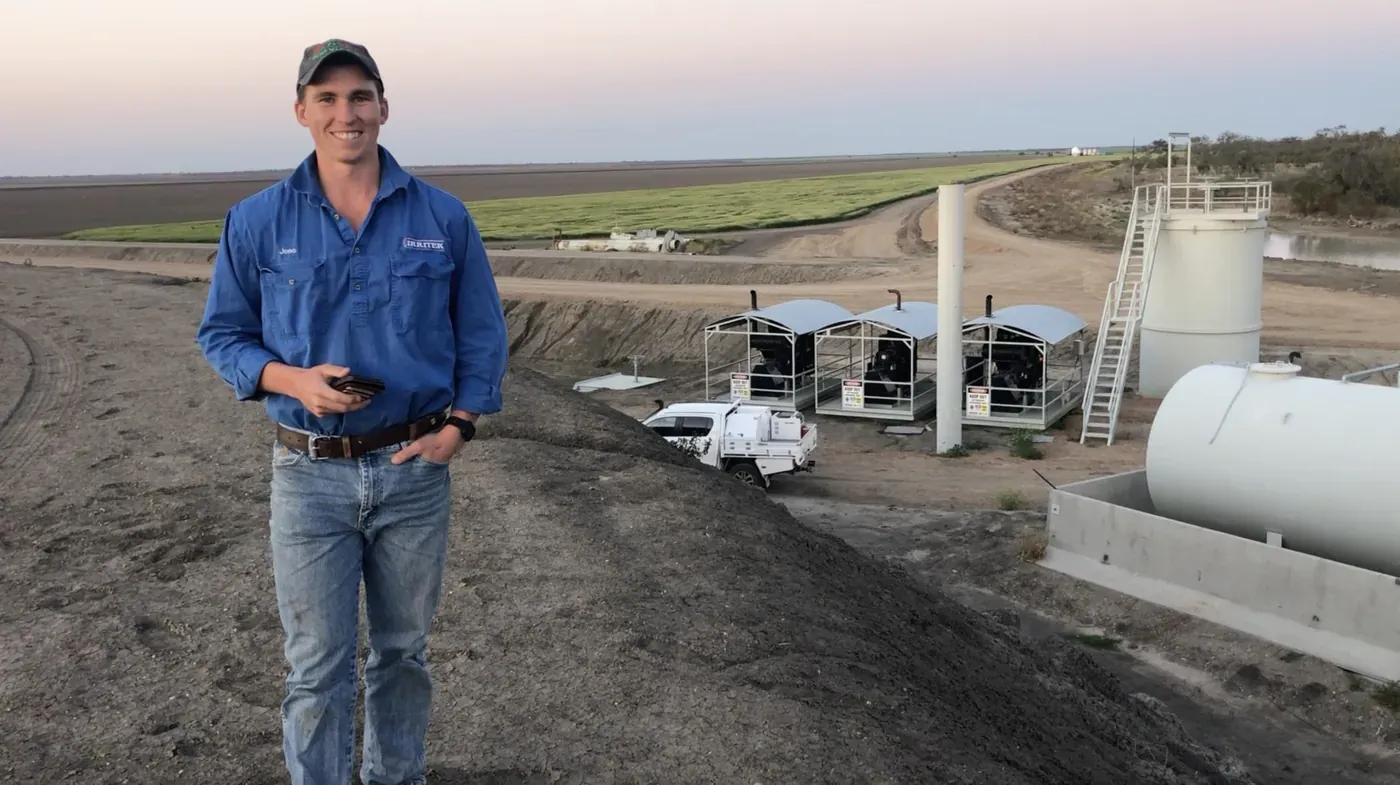
Irritek have built high-volume water infrastructure for 30 years. With Doover they launched Irritek Remote: pumps, meters and gates controlled from any device.
A Doovit in the cabinet, an app per drive. Done.






Output frequency, motor current, power, thermal load, run hours and drive state, any connected sensors, PIDs, etc. The drive app reads all the info available in the drive, so what you see is what the drive sees — including any sensors and automations you already have in place on the drive.
Run and stop the motor and change the speed setpoint from anywhere. Every command asks you to confirm, and limits are set once in the app, not every time. A fault, a comms loss or an over-power or over-temperature condition sends a notification; read the fault code and reset it without a site visit.
A drive is rarely the whole job. Add a pressure, level or flow sensor and the app for it, and the Doovit can hold a head, fill a tank or chase a schedule. Or just tell an agent what you want in plain English — it watches the readings and works the drive for you.
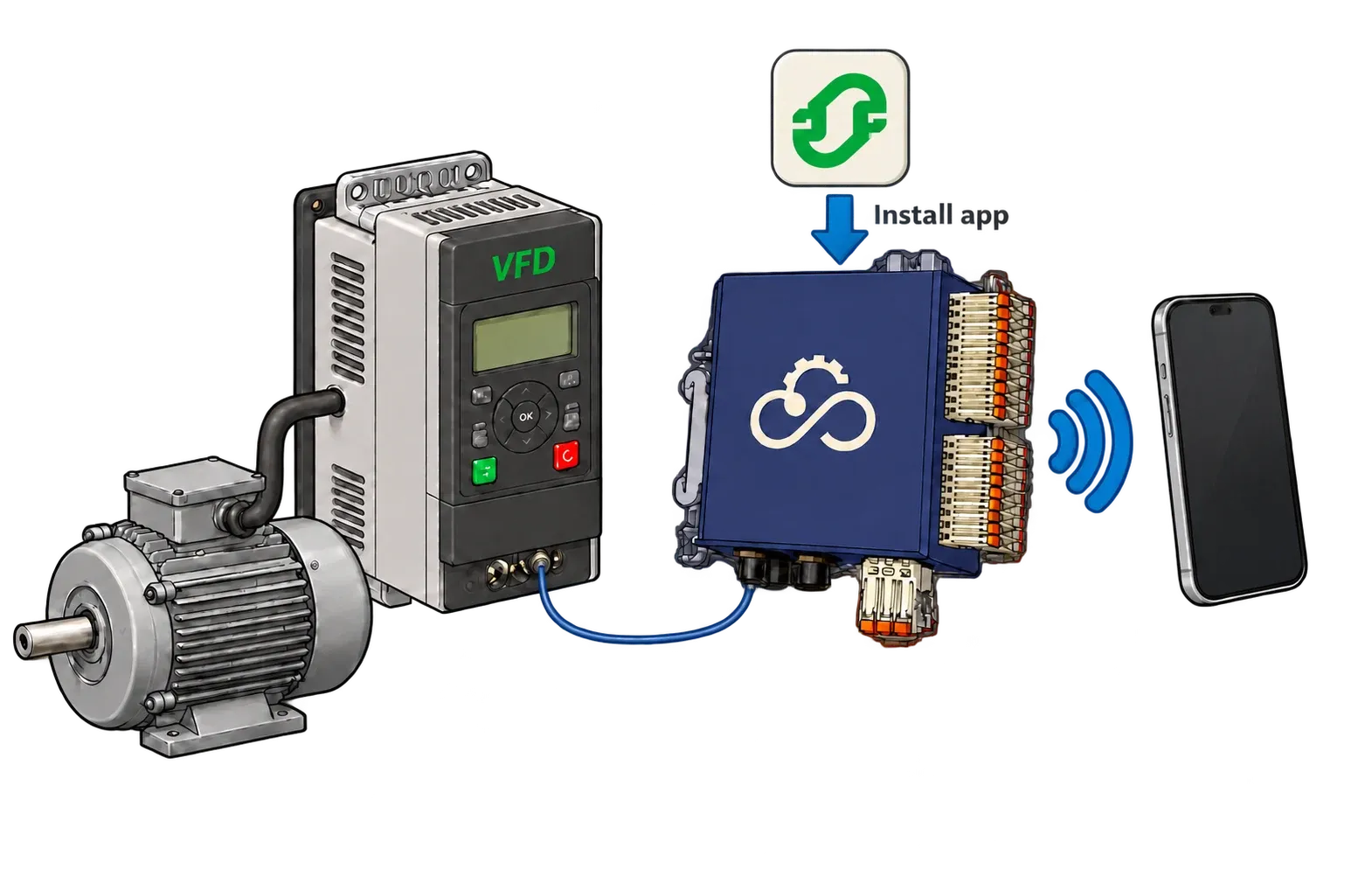
An Ethernet cable or two RS485 wires. The Doovit mounts on the DIN rail in the same cabinet, runs on 5–30 V DC, and has 4G, Wi-Fi and GPS built in — or add Starlink where there is no signal.
Pick the app for your drive brand from the Doover library and install it onto the Doovit, like an app onto a phone. You can enter the drive’s connection settings yourself, or just ask the AI assistant to configure it for you.
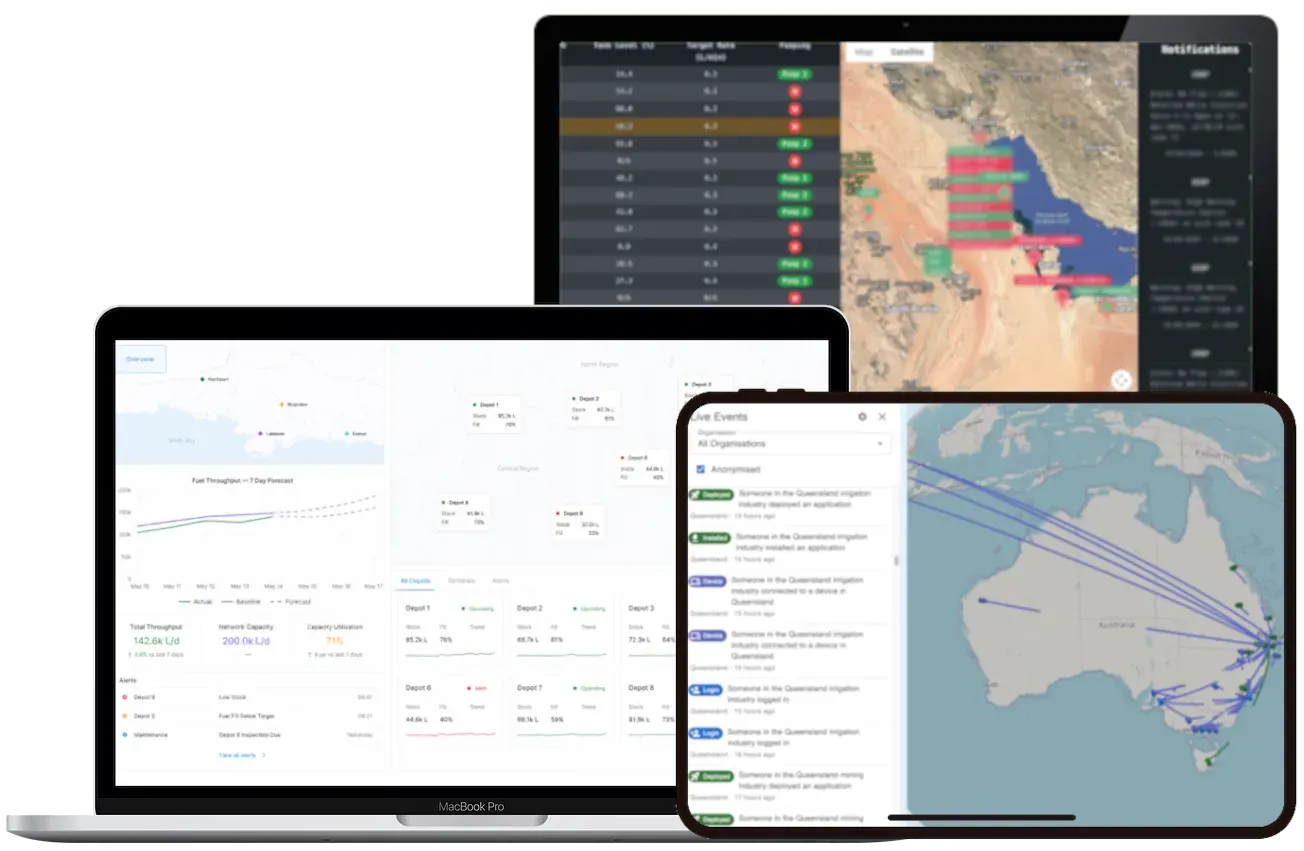
The drive appears in the Doover app with its live values, a start and stop button and a speed setpoint. Share it with whoever needs it, with permissions that match their job.
A drive is rarely the whole site. The Doovit that runs your VFD app can run a flow meter, a pressure or level sensor, a generator controller or a camera on the same unit — each one an app from the library, installed when the job calls for it and charged only while it is there. Need something that does not exist yet? Build it with the SDK, or have us build it with you.
A Doovit and a drive app on the Doover platform costs less per week than a flat white, and less again while the site is offline. Every price is published, charged per month, with no licence fees, no minimum term and nothing upfront on the platform. Users, alerts, exports and the API are free.
Integrators who put remote start, stop and monitoring on their own pump products with Doover, and sell it on.
Irrigation infrastructure
Irritek have built high-volume water infrastructure for 30 years. With Doover they launched Irritek Remote: pumps, meters and gates controlled from any device.
Oil and gas

Solar Injection added automation and remote control to chemical injection pumps with Doover, alongside customers' existing SCADA rather than replacing it.
Three ways in — pick the one that suits where you are. None of them need a card, a call or a commitment.
Totally free. Explore live demo devices, dashboards and apps before you connect anything of your own.
Every price is published. Let the AI-assisted shop build a quote around what you need, or read the price list first.
A real person who knows the platform and the field. Chat now, or send us what you are working on.
Help us improve this site?
With your consent we record anonymous usage and screen interactions to see where the site confuses people, and let our advertising provider count which of its ads brought you here. Typed input is never captured. Decline and nothing is recorded — the site works exactly the same either way. Read our privacy policy.